
When you want to buy or build a house, one aspect you need to consider is the land area. Calculating land area is closely related to ownership legality, budget planning, and building material needs.
The area of your property will be listed in several official documents, such as the Certificate of Ownership (SHM) and the Building Approval (PBG). The same data will also be used as a reference to determine the land's market price.
Inaccurate land area calculations can lead to land disputes and financial losses. That's why you need to know how to measure land area correctly and precisely.
Check out this article to learn several ways to measure land area accurately and easily.
Methods to Calculate Land Area, Easy and Accurate
In general, you can measure land area manually or with tools like GPS and AutoCAD software. Whatever method you use to calculate land area, make sure to do it with precision and detail so the results are accurate. Here are some of them:
How to Calculate Land Area Manually
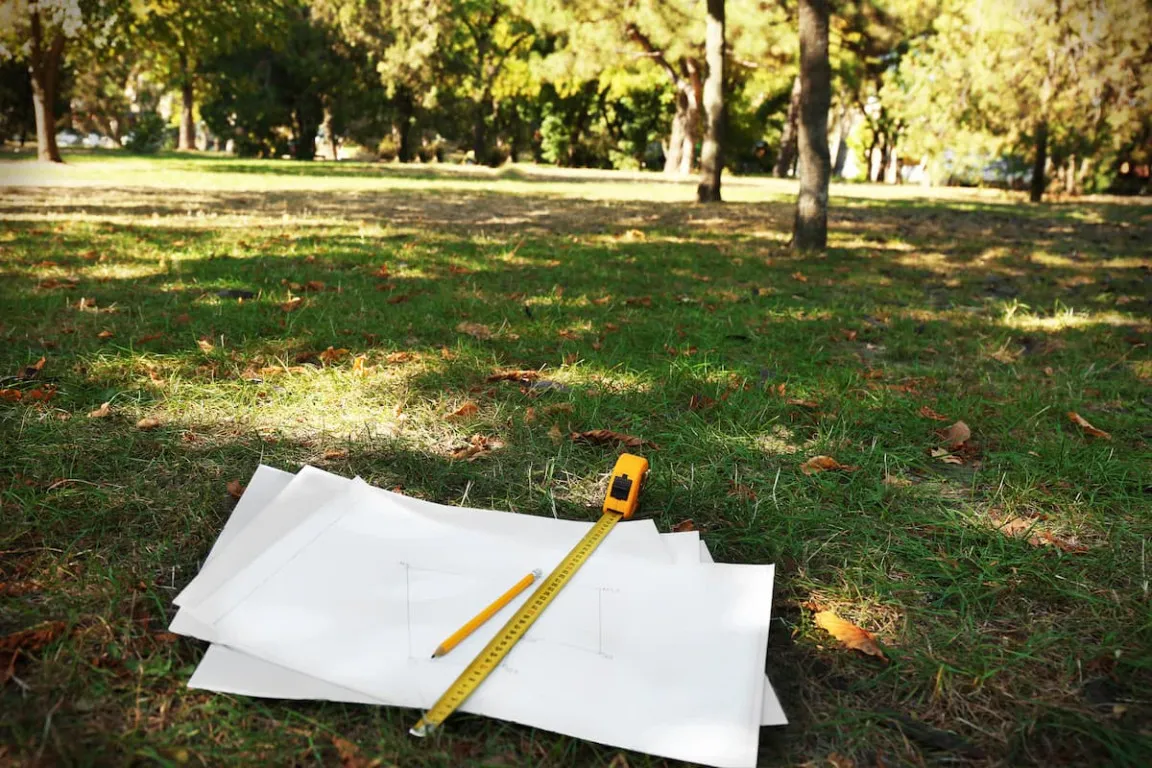
To calculate land area manually, you need supporting tools such as a measuring tape, a calculator, and writing tools to record measurements. This manual method is generally used during field surveys.
Manual land area calculation uses flat-shape area formulas. Here is the complete explanation:
Calculating the Area of a Triangular Land
A leftover plot of land shaped like a triangle often becomes a challenge in development, even during floor plan creation.
To make it easier, start by calculating the area using the triangle area formula. The area formula for a triangle is Area = ½ × base (a) × height (h).
If the height of the triangular plot is unknown, you can use Heron's formula for triangles. First, measure the length of each side of the land. The sides are named (a), (b), and (c).
Next, calculate the semi-perimeter of the triangular plot with the formula s = (a + b + c)/2. After finding the semi-perimeter, you can proceed with the following area formula:
Area = √{s × (s-a) × (s-b) × (s-c)}
For example, you have a piece of land measuring 6 m × 8 m × 10 m. So the calculation is as follows:
s = (6+8+10)/2
s = 12
Area = √{s × (s-a) × (s-b) × (s-c)}
Area = √{12 × (12-6) × (12-8) × (12-10)}
Area = √{12 × 6 × 4 × 2}
Area = √576
Area = 24 m²
Read also: Example of a House Building Budget Plan (RAB) and Steps to Create It
Calculating the Area of Square or Rectangular Land
Ideally, the land you want to build a house on should be square or rectangular. As before, to calculate the land area, use the appropriate flat-shape area formula.
If your land is rectangular, you can calculate the area manually using the formula Area = Length (l) × Width (w). Meanwhile, if the land is square, use the following formula:
Land Area = side (s) × side (s).
For example, if the land is rectangular with dimensions 27 m × 33 m, the land area would be:
- Land Area = Length (l) × Width (w)
- Land Area = 27 m × 33 m
- Land Area = 891 m²
If the land is square-shaped with dimensions of 20 m × 20 m, then its area is:
- Land Area = Side (s) × Side (s)
- Land Area = 20 m × 20 m
- Land Area = 400 m²
Calculating the Area of Irregular Land
If your land area cannot be directly categorized as a square, rectangle, or triangle, calculate its area by first dividing it into one of these geometric shapes.
For example, after mapping it into several geometric shapes, you might get a rectangle and a triangle. Next, take the measurements needed for each area formula. Then calculate the area of each shape and add the results.
For instance, you have a piece of land that can be mapped into a rectangle and a triangle. The rectangular area measures 12 m × 6 m, while the triangle measures 4 m × 6 m × 8 m. So, you get the following calculation:
- Rectangle area = 72 m²
- Triangle area = 11.6 m²
- Total land area = 72 m² + 11.6 m² = 83.6 m²
Read also: Architect Fee for a House: Price Range & How to Calculate It
How to Calculate Land Area Using Google Maps
Besides being a navigation tool, Google Maps can also calculate land area. The method is simple and lets you estimate the area before taking more precise measurements.
Use a laptop to follow these steps:
- Open Google Maps in your browser.
- Click the layers icon at the bottom left, then select satellite view.
- Type the land location address in the search bar to see the area you want to measure.
- Once you find the area you want to measure, right-click on one corner of the land, then select 'Measure Distance'.
- Click the other points until a line surrounds the entire area.
- Make sure the last point connects back to the first point.
- Google Maps will display the area of the selected land in m² at the bottom of the screen.
How to Calculate Land Area Using AutoCAD
If you use professional services like a contractor, they usually calculate land area using AutoCAD to process field measurements and compute the area accurately based on the entered data. Another advantage is that you can edit it again as needed.
Follow these steps to calculate land area using AutoCAD software:
- Open AutoCAD and create a new file.
- Use the 'polyline' feature by typing PLINE on the keyboard, then press Enter.
- Draw the land area by selecting the corner points until you form the perimeter.
- Open the panel window on the left side. The land area will be displayed in a section called 'Area'.
How to Calculate Land Area Using Digital Mapping Methods
You can combine several digital mapping technologies to measure land area accurately and precisely. However, expert technicians must carry out this method using specialized tools.
Tools for digital mapping include drones with high-resolution cameras, geodetic GPS, and GIS (Geographic Information Systems) software such as Google Earth Pro, QGIS, or ArcGIS.
Start by collecting the coordinate points of the land area corners using a drone or GPS until you have gathered all boundary data. Then, input these coordinate points into GIS software.
Once the data is accessible in the software, connect the coordinate points to form a polygon geometry. The software can then automatically calculate the land area based on the entered data.
After determining the land area, the next step is to calculate material requirements, such as foundations, flooring, and building structures. Concrete materials can provide a strong, durable foundation.
For all your concrete needs, trust Beton Merah Putih, which offers premium products such as Ready-Mix Concrete, Precast Concrete, and aggregates tailored to your needs and requests.
Choose Beton Merah Putih to support construction projects such as housing developments, multi-story office buildings, highways, and even bridges. Contact us to consult about your construction project needs!
Read also: How to Easily Check Your Land and Building Tax Online